
Creating a Story
Here are the 2 steps to creating a story.
From any Chapter tab or your All Stories tab in your left sidebar, tap Add a New Story. Then:
- Add your content:
- Photos, Videos, Captions, Text sections and/or Narrations (audio or video)
- You can keep adding to the story by tapping the plus icon in between sections.
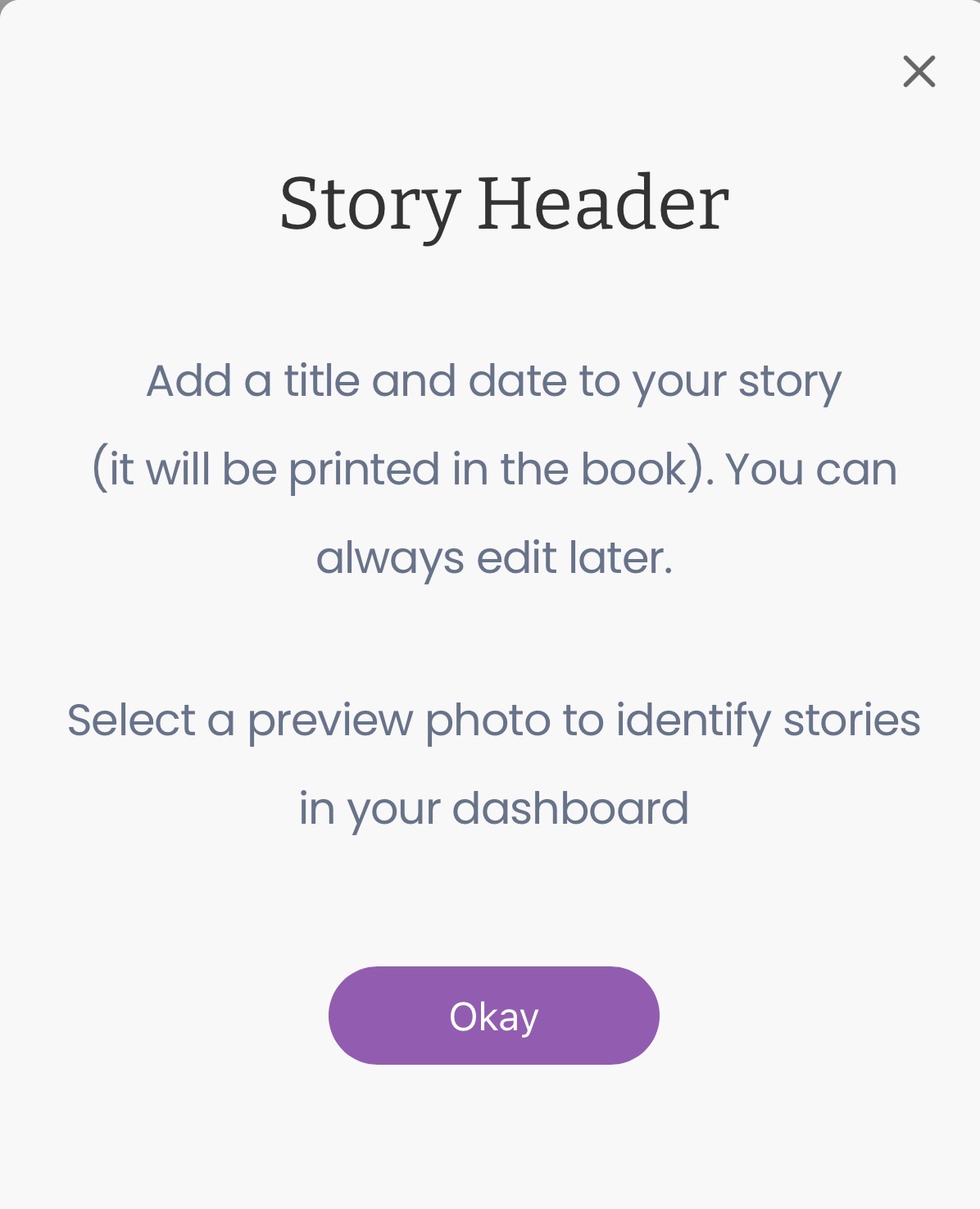
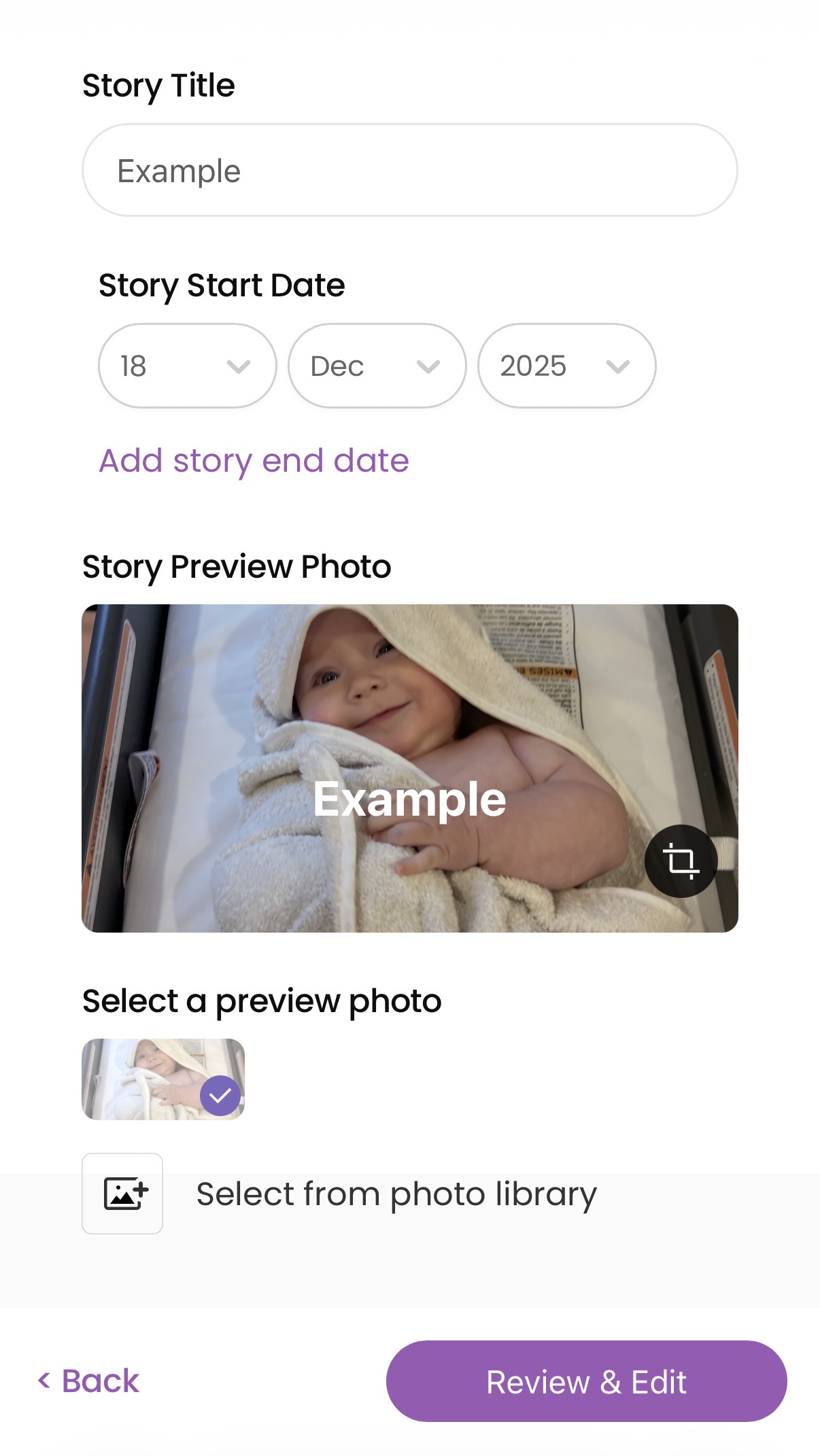
- Give the story a title and a date.
- For date, we'll start you off with the date of the earliest image or video you've uploaded.
- If you don't enter a title of your own, we'll just use the date as your title.
The Steps:
- Tap the Add a Story button, and you'll see the following screen.


Each time you tap the + button between sections, you will again see the Add to Story modal.


- Once you're finished adding content, add the story title and date.
That's it. You're done! You can choose to add this story to a chapter now or later. Everything is editable later.